
Configuration
The whole template styling is driven by TbConfiguration. Create an instance, tweak what you need
and pass it to the builder — everything not touched keeps its sensible default:
TbConfiguration config = TbConfiguration.newInstance();config.getContent().setWidth(800);        // inner content width (default 570)config.getContent().setFull(true);        // stretch content-box to full widthconfig.getContent().setBackground("#F8F9FC");config.getBody().setBackground("#EDEFF3");
HtmlTextEmail email = EmailTemplateBuilder.builder()        .configuration(config)        // … content lines        .build();
Sections
Section titled “Sections”TbConfiguration groups the settings by template area — each with colors, paddings, borders and
fonts where applicable:
| Section | What it styles |
|---|---|
font |
font families used throughout the template |
text / imageText |
paragraph styling (size, color, line-height) |
button |
border, border-radius, box-shadow of buttons |
attribute |
key/value block background and spacing |
box |
the content box (invoice-style boxed sections) |
table |
table borders and cell styling |
body |
outer body background + dark-mode colors |
header |
header padding, alignment, text styling |
content |
content width, background, padding, full, align |
footer |
footer text styling |
Custom background colors work through the whole email — content.background is not hardcoded to
white.
Frameless preset
Section titled “Frameless preset”TbConfiguration.newInstanceFrameless() removes the visual box-frame around the content: the body
background matches the content, padding is reduced and header + content are aligned left — the
result looks like a personally written email instead of a boxed transactional one. Great for
invitations or signature-style emails:
TbConfiguration config = TbConfiguration.newInstanceFrameless();
HtmlTextEmail email = EmailTemplateBuilder.builder()        .configuration(config)        .preheader("You are invited to our summer party 🎉")        .text("Hi Marie,").and()        .text("we'd love to see you at our summer party next Friday at 6pm.").and()        .button("Save my spot", "https://example.com/rsvp").blue().left().and()        .copyright("rocketbase").url("https://www.rocketbase.io").and()        .build();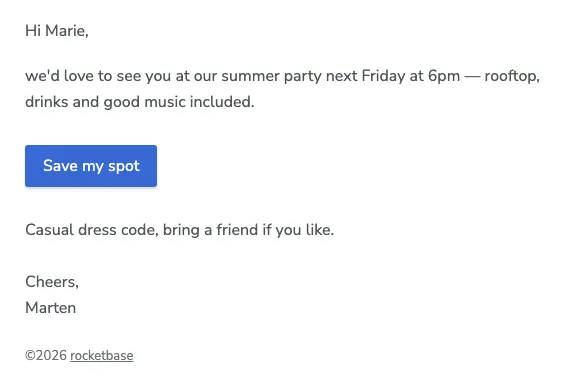
Every setting can still be changed afterwards — for example content.align back to "center".
Dark mode
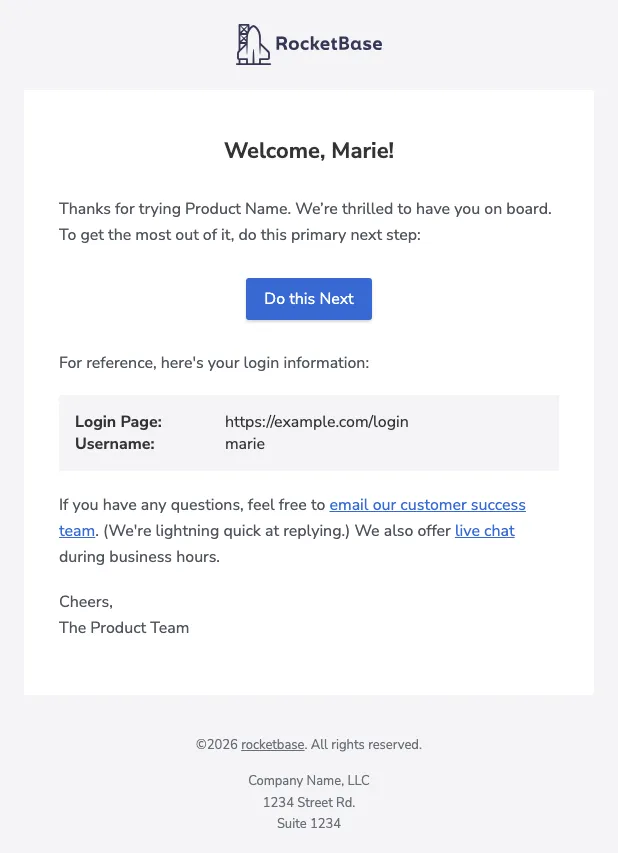
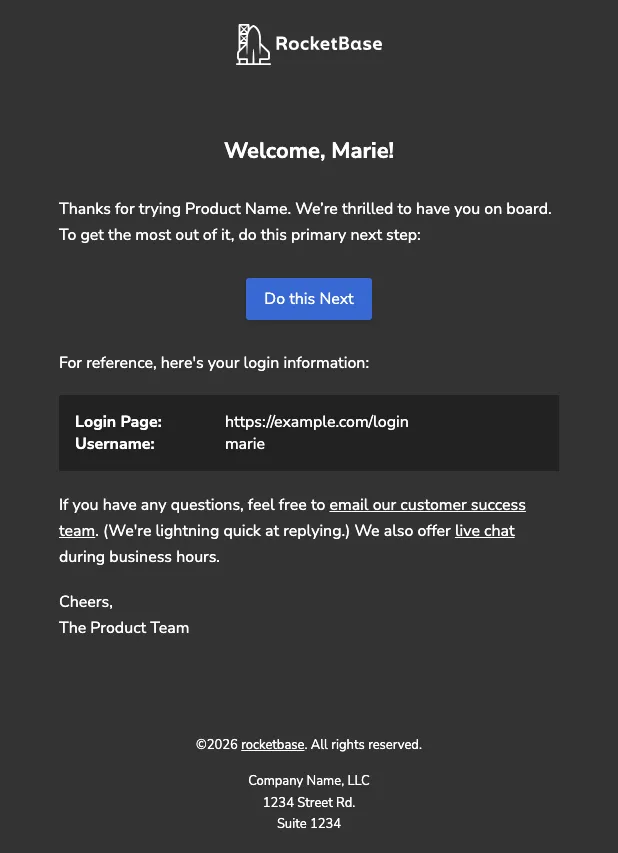
Section titled “Dark mode”Dark-mode support is enabled by default (darkModeEnabled). Email clients that support it get
adjusted colors automatically via prefers-color-scheme — the same email, no extra work:
You can provide dark variants for logos and images, or opt out entirely:
config.setDarkModeEnabled(false); // opt out entirely
.header().logo("https://…/logo.png").logoDark("https://…/logo-white.png").and().image("https://…/photo.jpg").srcDark("https://…/photo-dark.jpg").and()
Responsive behaviour
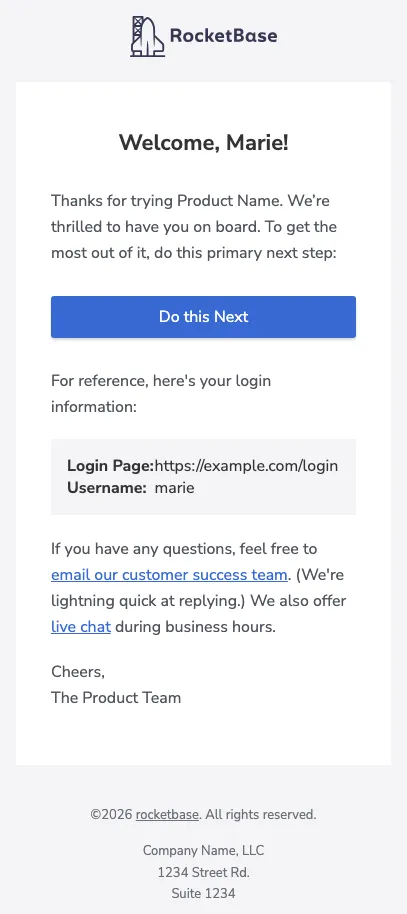
Section titled “Responsive behaviour”The generated HTML collapses to full width below a 600px viewport — no extra configuration needed.
Outlook specials
Section titled “Outlook specials”Outlook is the usual troublemaker — a few switches exist specifically for it:
.space()lines render as fixed-height table rows that Outlook respects (regular margins are often stripped)- buttons use border-based rendering so padding and margins survive
- extra style settings on
TbButtonConfig/TbBoxConfigallow fine-tuning where Outlook deviates
Custom renderer
Section titled “Custom renderer”Since 2.6.0 you can hook into the rendering to modify the output — see
EmailTemplateBuilder.builder() and the template sources if you need to go beyond the provided
configuration.