Examples
All examples on this page are generated by
DocsSamplesTest
in the repository — the code shown here is exactly what produced the screenshots.
Welcome email
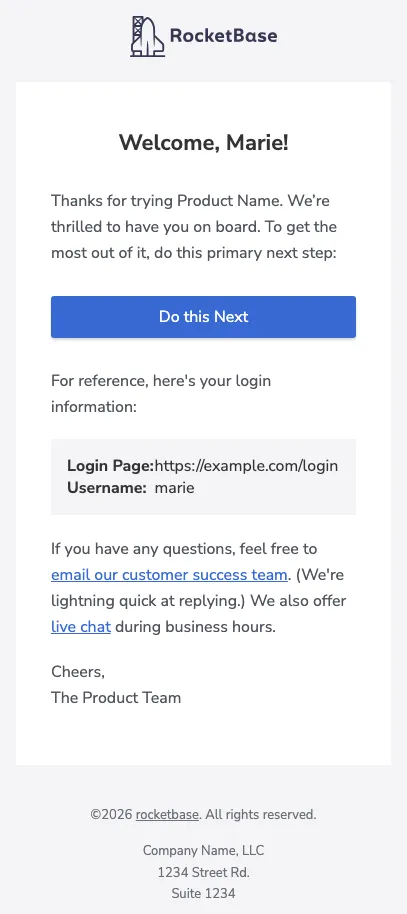
Section titled “Welcome email”The classic onboarding email: logo header, headline, call-to-action button, login details as key/value block and a footer.
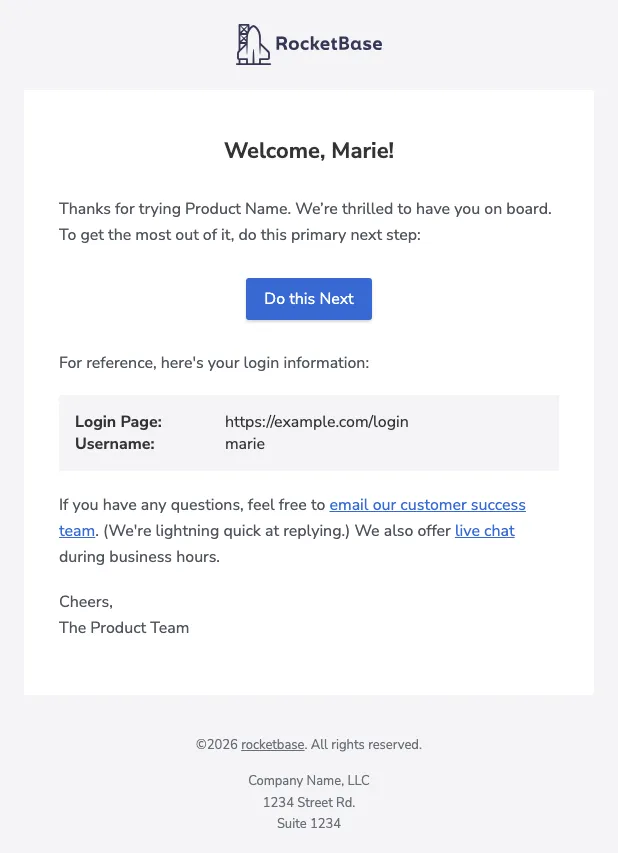
HtmlTextEmail email = EmailTemplateBuilder.builder() .header() .logo("https://cdn.jsdelivr.net/gh/rocketbase-io/email-template-builder@master/assets/line-version-nightblue.svg") .logoDark("https://cdn.jsdelivr.net/gh/rocketbase-io/email-template-builder@master/assets/line-version-white.svg") .logoHeight(41) .and() .text("Welcome, Marie!").h1().center().and() .text("Thanks for trying Product Name. We’re thrilled to have you on board. To get the most out of it, do this primary next step:").and() .button("Do this Next", "https://example.com/next").blue().and() .text("For reference, here's your login information:").and() .attribute() .keyValue("Login Page", "https://example.com/login") .keyValue("Username", "marie") .and() .html("If you have any questions, feel free to <a href=\"mailto:support@example.com\">email our customer success team</a>.", "If you have any questions, feel free to email our customer success team.").and() .text("Cheers,\nThe Product Team").and() .copyright("rocketbase").url("https://www.rocketbase.io").suffix(". All rights reserved.").and() .footerText("Company Name, LLC\n1234 Street Rd.\nSuite 1234").and() .build();Invoice with product images
Section titled “Invoice with product images”tableSimpleWithImage renders an invoice table with preview images, item descriptions and
formatted amounts — footer rows for sums and discounts included.
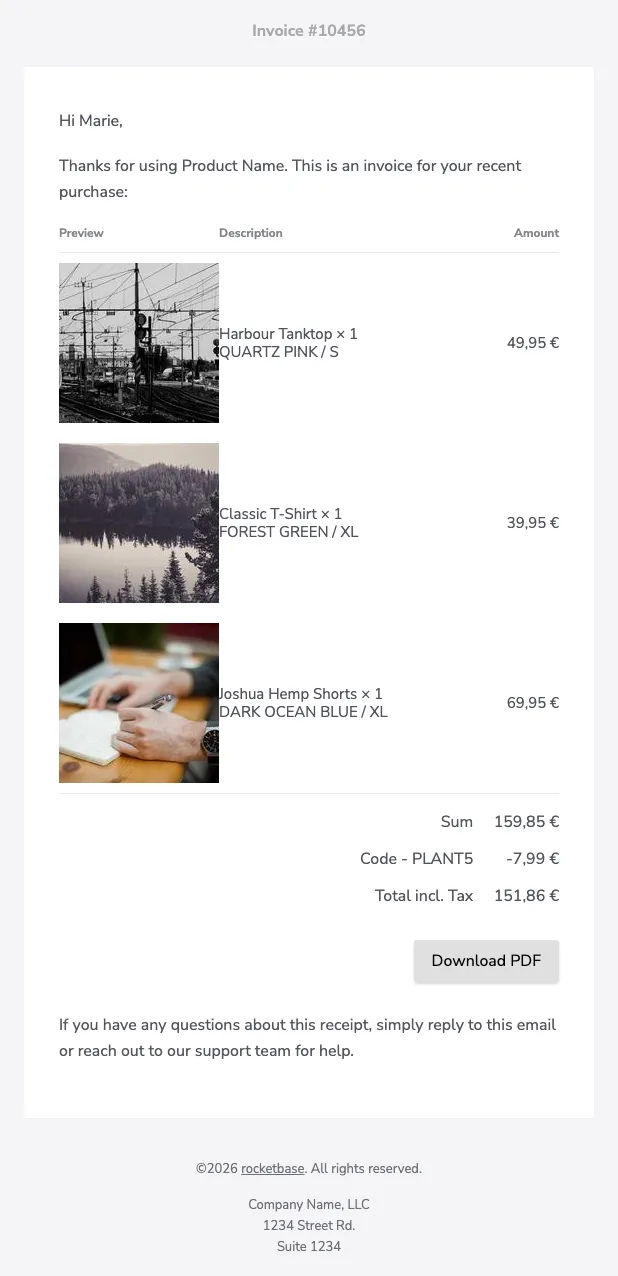
HtmlTextEmail email = EmailTemplateBuilder.builder() .header().text("Invoice #10456").and() .text("Hi Marie,").and() .text("Thanks for using Product Name. This is an invoice for your recent purchase:").and() .tableSimpleWithImage("#,##0.00 '€'") .headerRow("Preview", "Description", "Amount") .itemRow("https://picsum.photos/seed/tanktop/160/160", "Harbour Tanktop × 1\nQUARTZ PINK / S", BigDecimal.valueOf(4995, 2)) .itemRow("https://picsum.photos/seed/tshirt/160/160", "Classic T-Shirt × 1\nFOREST GREEN / XL", BigDecimal.valueOf(3995, 2)) .itemRow("https://picsum.photos/seed/shorts/160/160", "Joshua Hemp Shorts × 1\nDARK OCEAN BLUE / XL", BigDecimal.valueOf(6995, 2)) .footerRow("Sum", BigDecimal.valueOf(15985, 2)) .footerRow("Code - PLANT5", BigDecimal.valueOf(-799, 2)) .footerRow("Total incl. Tax", BigDecimal.valueOf(15186, 2)) .and() .button("Download PDF", "https://example.com/invoice.pdf").gray().right().and() .text("If you have any questions about this receipt, simply reply to this email or reach out to our support team for help.").and() .copyright("rocketbase").url("https://www.rocketbase.io").suffix(". All rights reserved.").and() .footerText("Company Name, LLC\n1234 Street Rd.\nSuite 1234").and() .build();Need a fully custom column layout? See the custom table guide.
Frameless invitation
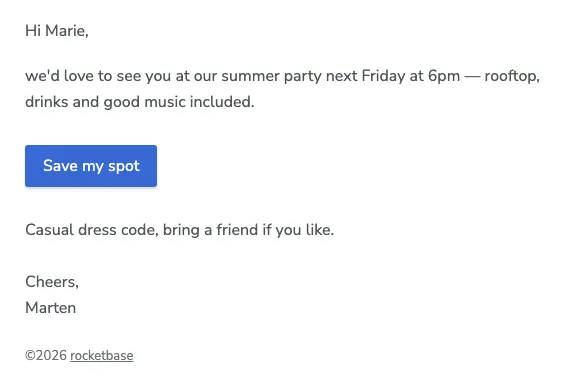
Section titled “Frameless invitation”TbConfiguration.newInstanceFrameless() removes the box-frame — the email looks personally
written. Combined with a preheader for the inbox preview text:
TbConfiguration config = TbConfiguration.newInstanceFrameless();
HtmlTextEmail email = EmailTemplateBuilder.builder()        .configuration(config)        .preheader("You are invited to our summer party 🎉")        .text("Hi Marie,").and()        .text("we'd love to see you at our summer party next Friday at 6pm — rooftop, drinks and good music included.").and()        .button("Save my spot", "https://example.com/rsvp").blue().left().and()        .text("Casual dress code, bring a friend if you like.\n\nCheers,\nMarten").and()        .copyright("rocketbase").url("https://www.rocketbase.io").and()        .build();
Gallery & side image
Section titled “Gallery & side image”Photo grids with configurable columns plus an image-beside-content block:
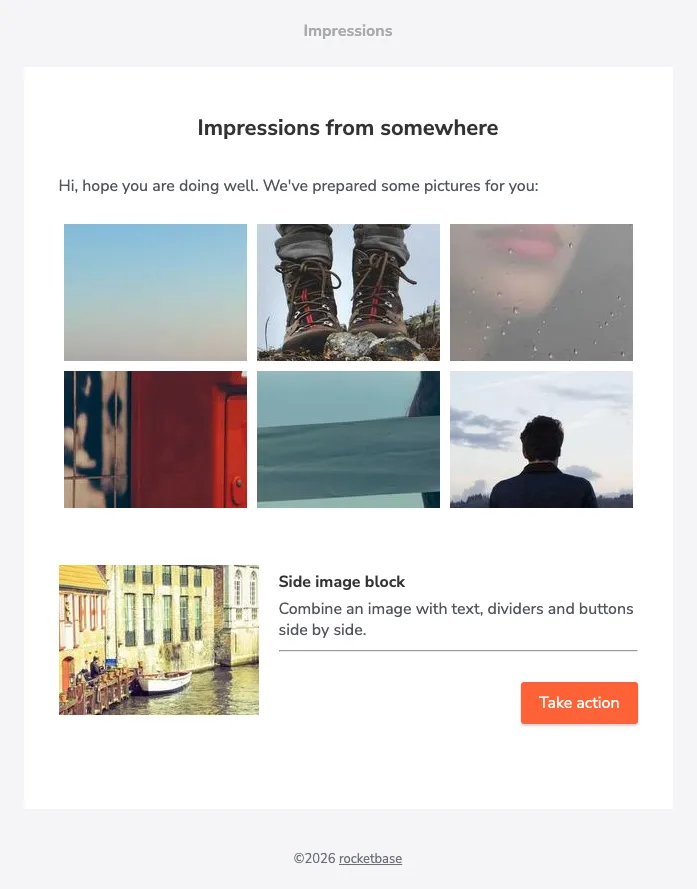
HtmlTextEmail email = EmailTemplateBuilder.builder() .header().text("Impressions").and() .text("Impressions from somewhere").h1().center().and() .text("Hi, hope you are doing well. We've prepared some pictures for you:").and() .gallery() .newRowAfter(3) .cellPadding(5) .photos(Arrays.asList(url1, url2, url3, url4, url5, url6)) .and() .sideImage("https://picsum.photos/seed/side/500/375").width(200).linkUrl("https://www.rocketbase.io") .imageVerticalAlign(VerticalAlignment.TOP) .text("Side image block").h2().and() .text("Combine an image with text, dividers and buttons side by side.").and() .hr().and() .button("Take action", "https://example.com").red().right().and() .and() .copyright("rocketbase").url("https://www.rocketbase.io").and() .build();Button styles
Section titled “Button styles”All color presets plus custom colors and alignments:
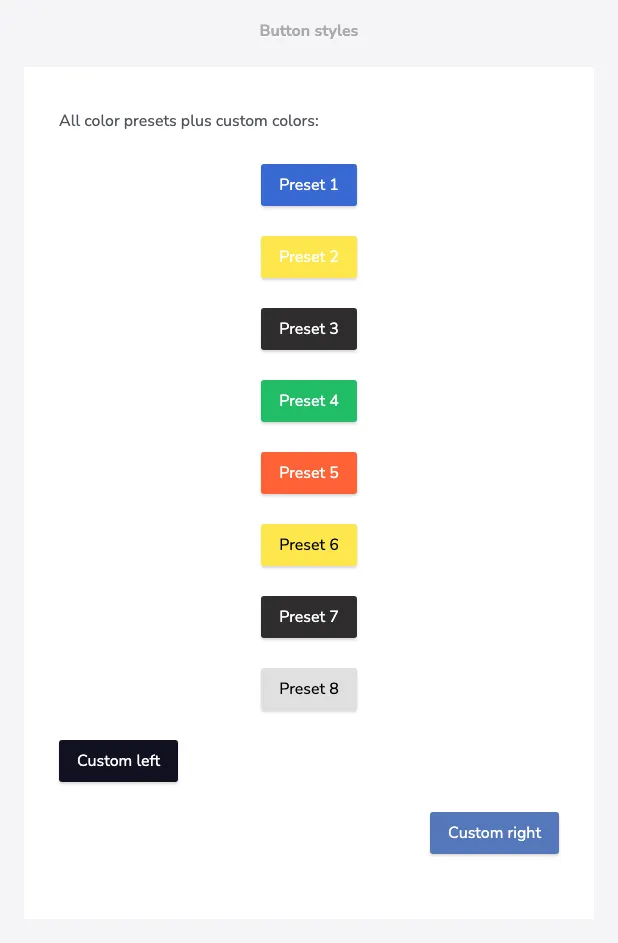
EmailTemplateBuilder.EmailTemplateConfigBuilder builder = EmailTemplateBuilder.builder()        .header().text("Button styles").and()        .text("All color presets plus custom colors:").and();
int step = 1;for (ColorStyle s : ColorStyleSimple.getAllPresets()) {    builder.button("Preset " + step++, "https://example.com").color(s).center();}builder.button("Custom left", "https://example.com").color(new ColorStyleSimple("#1c1c28")).left();builder.button("Custom right", "https://example.com").color(new ColorStyleSimple("#5f7bb8")).right();
HtmlTextEmail email = builder.build();
Responsive out of the box
Section titled “Responsive out of the box”The same welcome email below 600px viewport width — the layout collapses to full width automatically: